

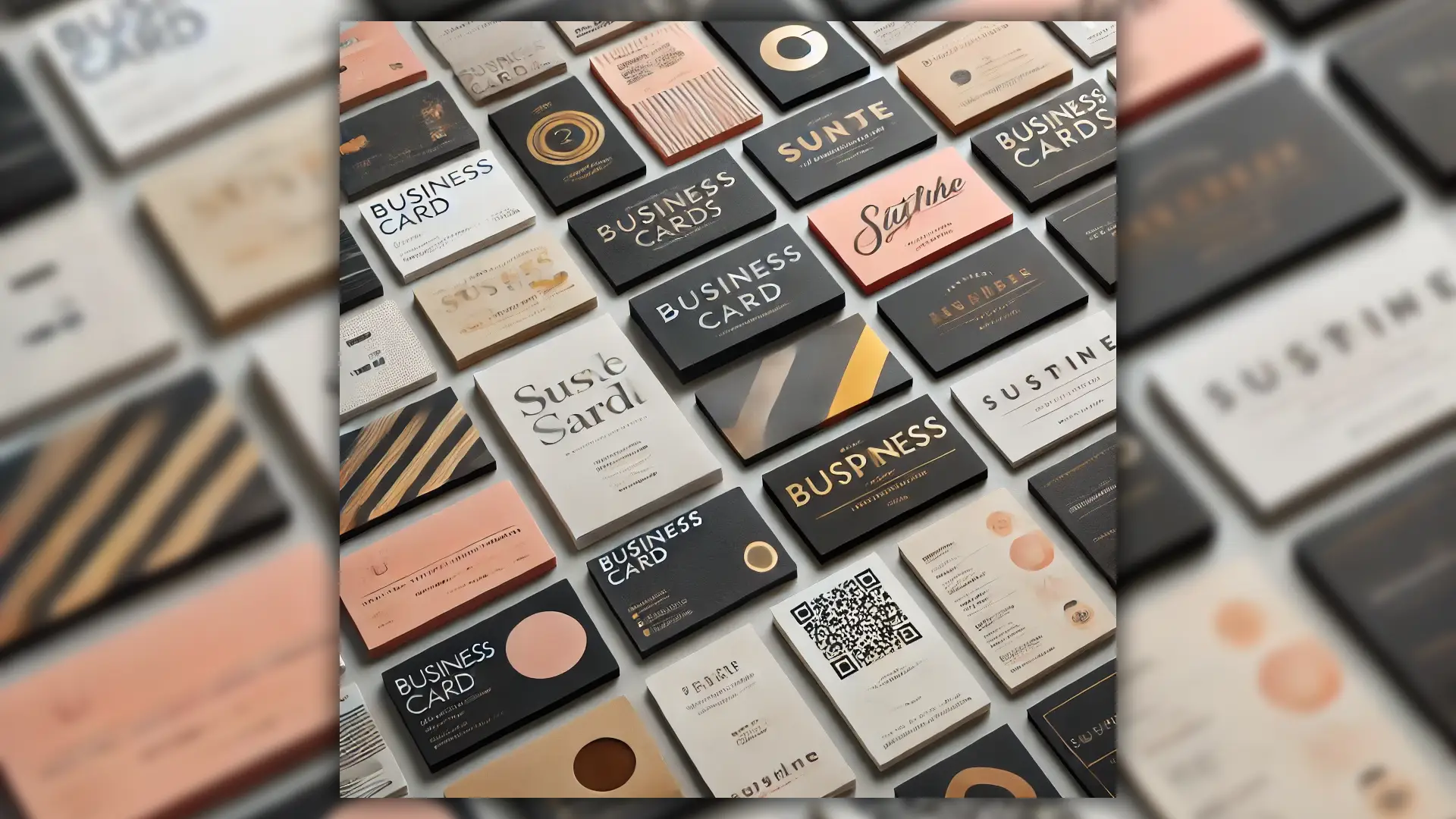
A business card design is more than a simple piece of paper. In fact, it acts as a powerful marketing tool for your brand. Not only does it communicate professionalism, but it also makes a lasting impression on anyone you meet. Whether you are networking at an event, meeting a potential client, or connecting with new contacts, a well-designed and visually appealing business card helps you stand out from the competition.
Key Elements of a Great Business Card Design
1. Layout & Structure
A clear and organized layout plays an important role in creating an effective business card. For best results, use the standard size of 3.5 x 2 inches. This ensures your card fits easily into wallets, pockets, and holders. Still, if you want your card to stand out, you can choose custom sizes or unique die-cut shapes, as long as they match your brand identity.
Key layout considerations:
- Keep important details within a safe margin to avoid cutting off text.
- Use both sides of the card strategically—one side for essential details, the other for a tagline, logo, or additional branding.
- Maintain ample white space to enhance readability and visual clarity.
- Set up a bleed area (typically 0.125 inches beyond the card edges) to ensure the design extends to the very edge after trimming.
2. Color Choices & Branding
Colors are very important when designing a business card. Not only do they show emotion, but they also help people remember your brand. When choosing colors, keep these principles in mind: select shades that fit your message, make your card easy to read, and match your industry style.
- Brand Consistency: Use colors that align with your business branding and logo.
- Contrast & Readability: Ensure text contrasts well against the background for easy reading.
- Industry-Appropriate Tones: For example, bright and bold colors for creative industries, while muted and sophisticated tones work well for corporate settings.
- Psychology of Colors: Blue conveys trust, red creates urgency, and green represents growth and sustainability.
- CMYK vs. RGB: For print, always design in CMYK color mode, as RGB is intended for digital screens and can result in color discrepancies when printed.
3. Typography & Font Selection
Your choice of fonts can significantly impact how your business card is perceived. Here’s what to keep in mind:
- Use 1-2 complementary fonts to maintain a clean and professional look.
- Choose fonts that are easy to read, even in small sizes.
- Maintain a hierarchy, with your name and business name in a larger font than contact details.
4. Essential Information to Include
A great business card delivers the right information without overwhelming the recipient. Be sure to include:
- Your full name and job title
- Business logo and company name
- Phone number, email, and website
- Social media handles (if relevant to your business)
- A QR code linking to your website, portfolio, or digital business card (optional but modern and effective)
5. Material & Finishing Options
The texture and feel of your business card can make it stand out. Consider these options:
- Paper Type: Matte, glossy, textured, or recycled stock
- Embossing or Debossing: Raised or pressed elements for a tactile effect
- Foil Stamping: Adds a luxurious metallic shine
- Spot UV Coating: Highlights specific elements with a glossy finish
- Rounded Corners or Die-Cut Shapes: Unique card shapes to enhance memorability
6. Preparing for Print
Once your business card design is complete, proper setup ensures a flawless print result:
- Bleed & Trim: Extend the design 0.125 inches beyond the final size to prevent white edges after trimming.
- Safe Margin: Keep text and essential elements at least 0.125 inches inside the trim line to avoid accidental cutting.
- Resolution: Ensure images and graphics are at 300 DPI for sharp, high-quality printing.
- File Format: Save your final design in PDF, TIFF, or EPS with embedded fonts and high-quality settings for best print results.
- Convert Text to Outlines: When using vector software, convert text to outlines to prevent font issues during printing.
Final Thoughts
Your business card is an important part of your brand. Investing in a high-quality and well-designed card can make a strong first impression. No matter what style you choose—simple and clean, bright and bold, or detailed and high-end—a professional and consistent design will help people remember you for a long time in your industry.
If you’re looking for expertly designed business cards tailored to your brand, let’s connect! I specialize in creating custom designs that align with your business vision and make a lasting impression.


